
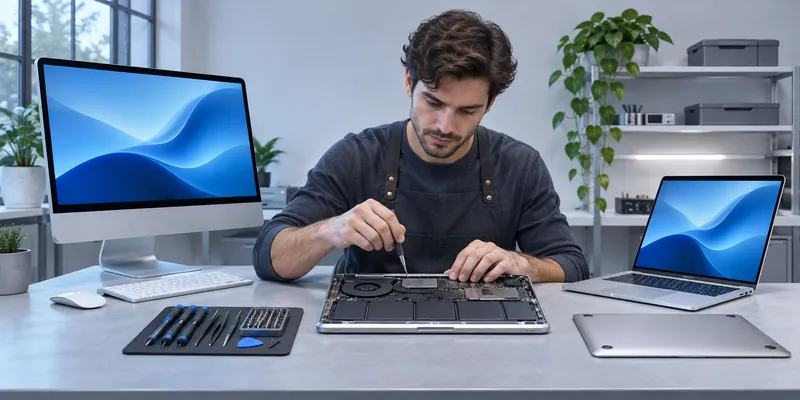
When an Apple Mac slows down, it can be difficult to tell why. Some issues are straightforward to resolve; others may require specialist Mac computer repairs.
Limited storage space
A nearly full drive can affect performance. Check how much free space you have and consider moving files to suitable external storage after backing them up.
Outdated system software
Check whether your Mac supports a newer version of macOS. Keeping compatible software updated can help with reliability and security.
Too many background applications
Review your login items and use Activity Monitor to identify applications consuming significant resources. Close only applications you recognise and no longer need.
Malware or hardware faults
Unwanted software can also impact performance. Our virus removal service can help assess suspicious behaviour. Older storage devices and other hardware can also cause slowdowns.
For persistent problems, explore our computer services, including backup, troubleshooting and computer repair.